Back to Main Menu

Change Reward Rate (%)

Configuration

Admin

TL;DR:  This controls how fast your customers earn points.

How to change your issuance rate

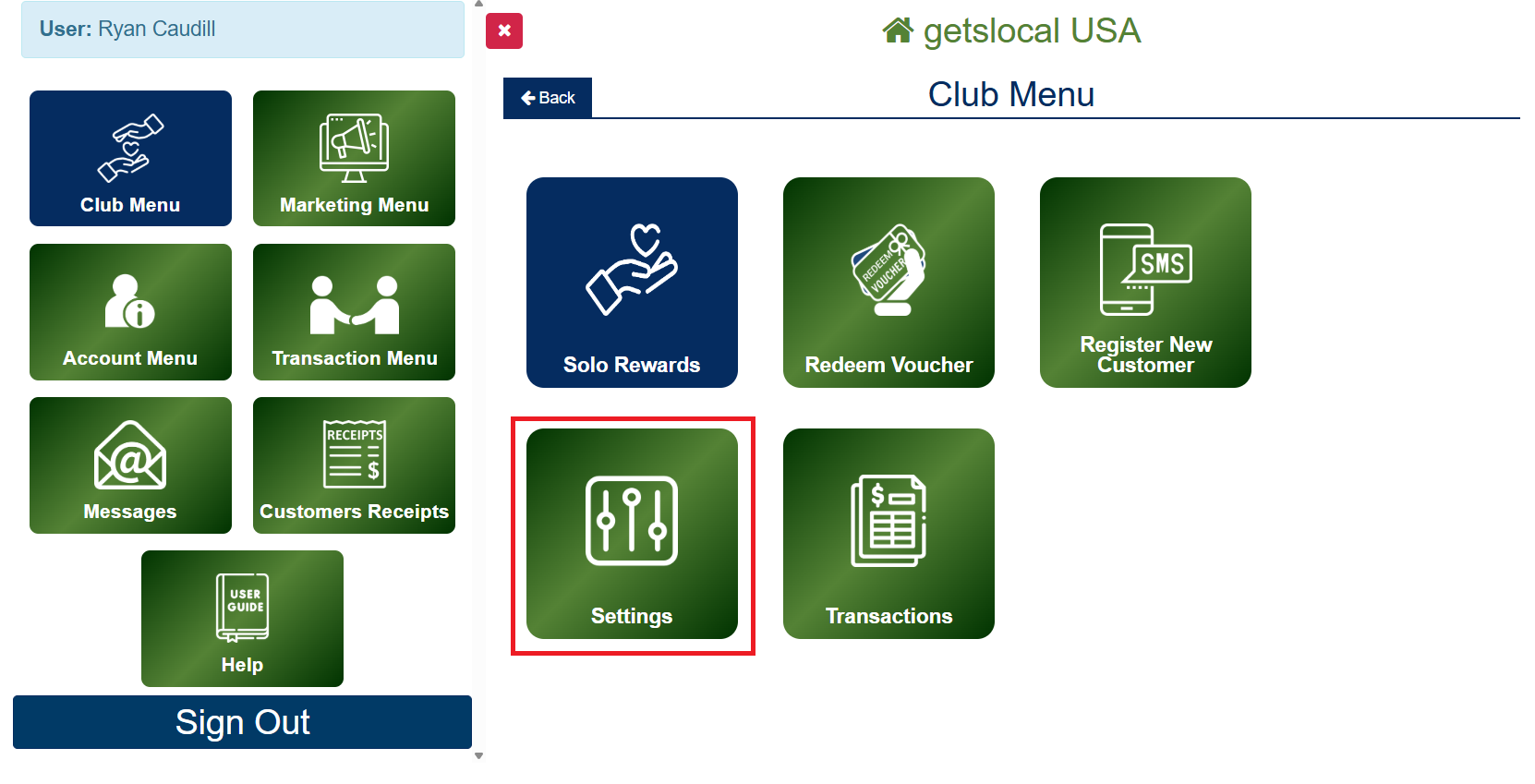
Go to Club Menu > Settings.

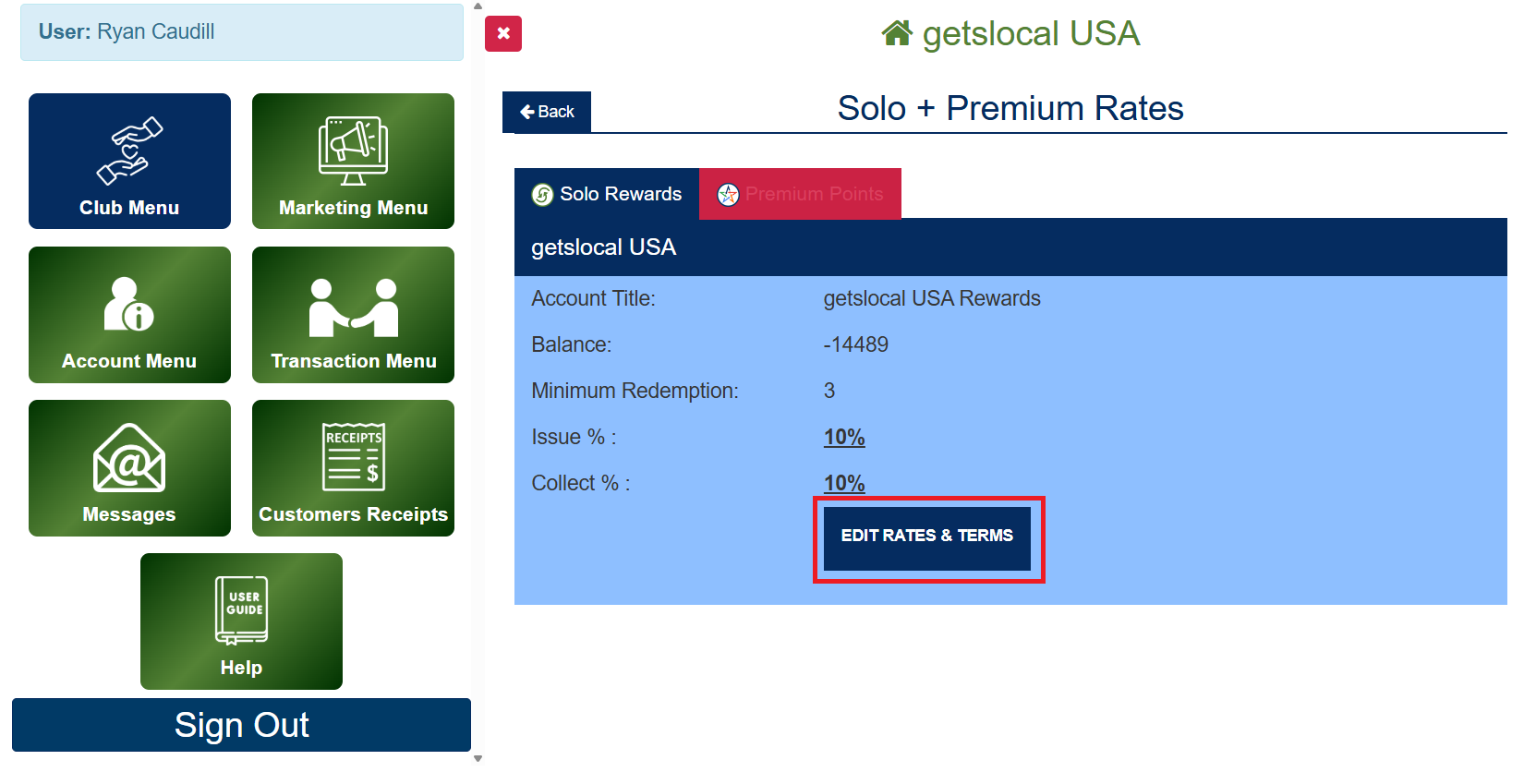
Tap the Edit Rates & Terms button. 

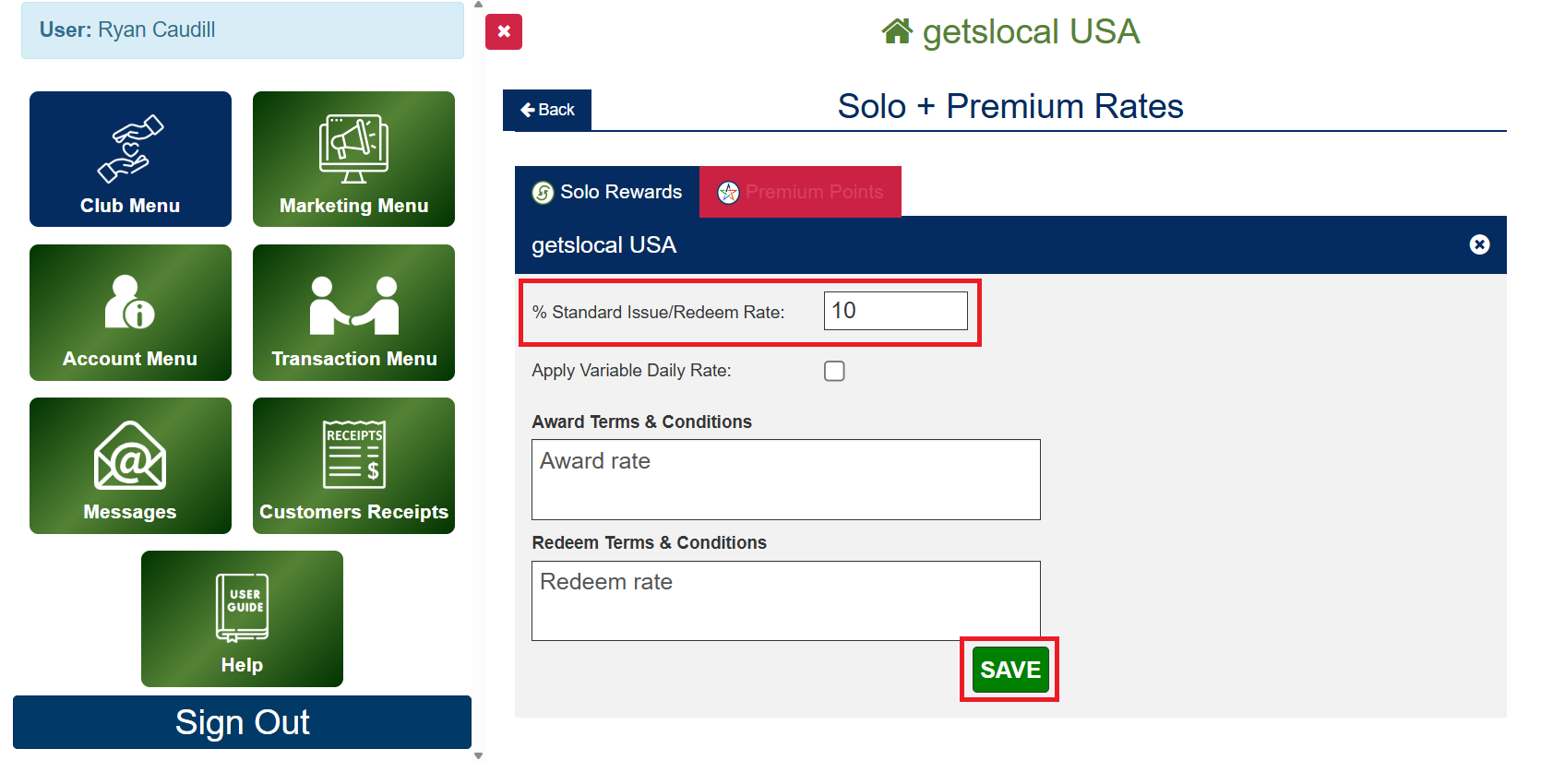
Change to your preferred rate.  By default the rate is set at 10%
We strongly recommend have a rewards rate of 5% or higher.

Tap Save to adjust your rate.


How to Change Your Rewards Rate

Note on Your Rewards Rate

For a standard rate it is best to go with a 10% rate (10 points per $1). Additionally you can boost your rewards rate on specific days of the week such as slow days. If you are wanting to aggressively start your program you can offer a higher rate, say 20%, for the first month. If you are in an industry with tight margins it might be best to consider lowering your rewards rate to 5%.