Back to Main Menu

Responding to Reviews

Reputation

Marketing

TL;DR: Always reply. It shows you are alive.

The Response Process

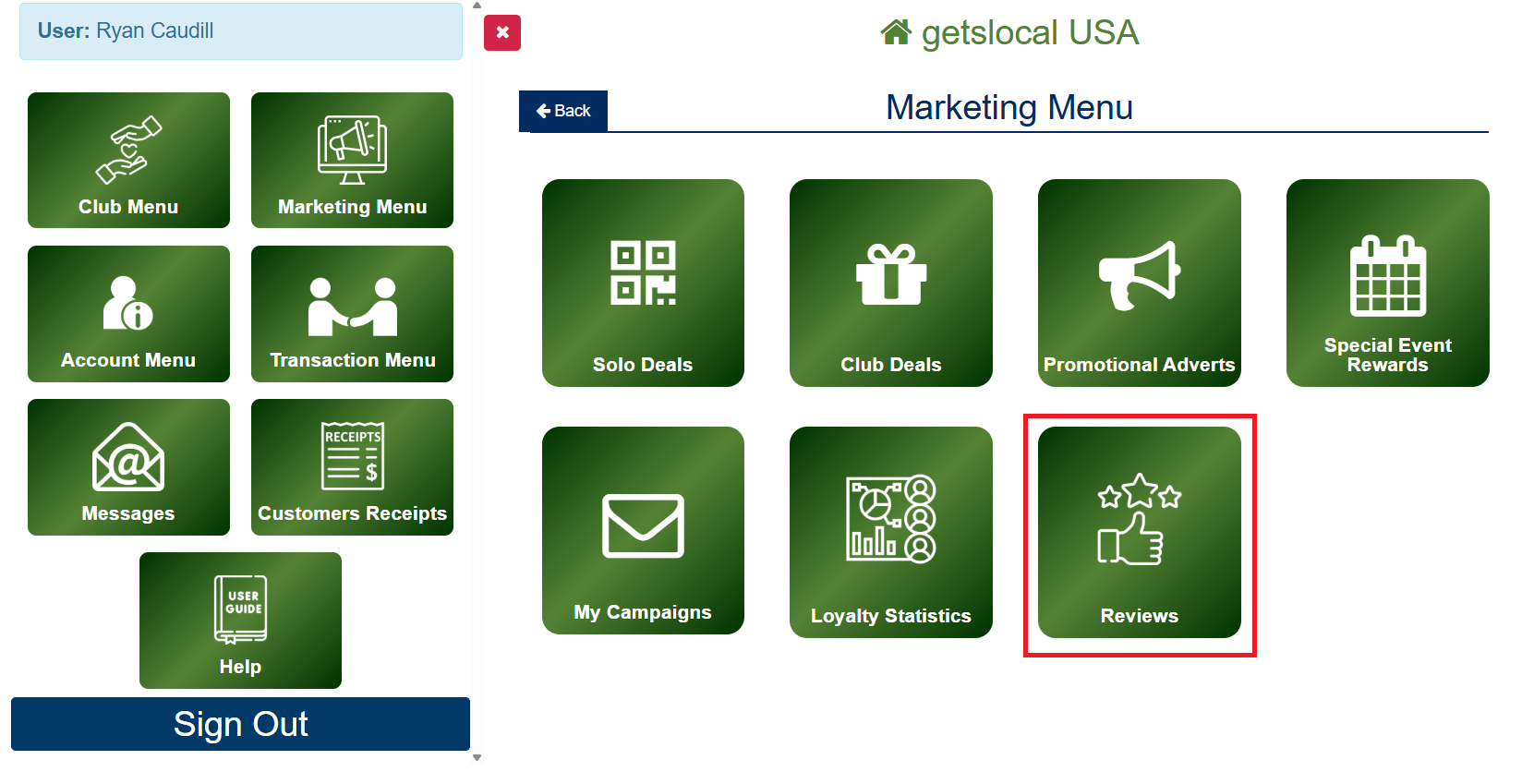
Go to Marketing Menu > Reviews.

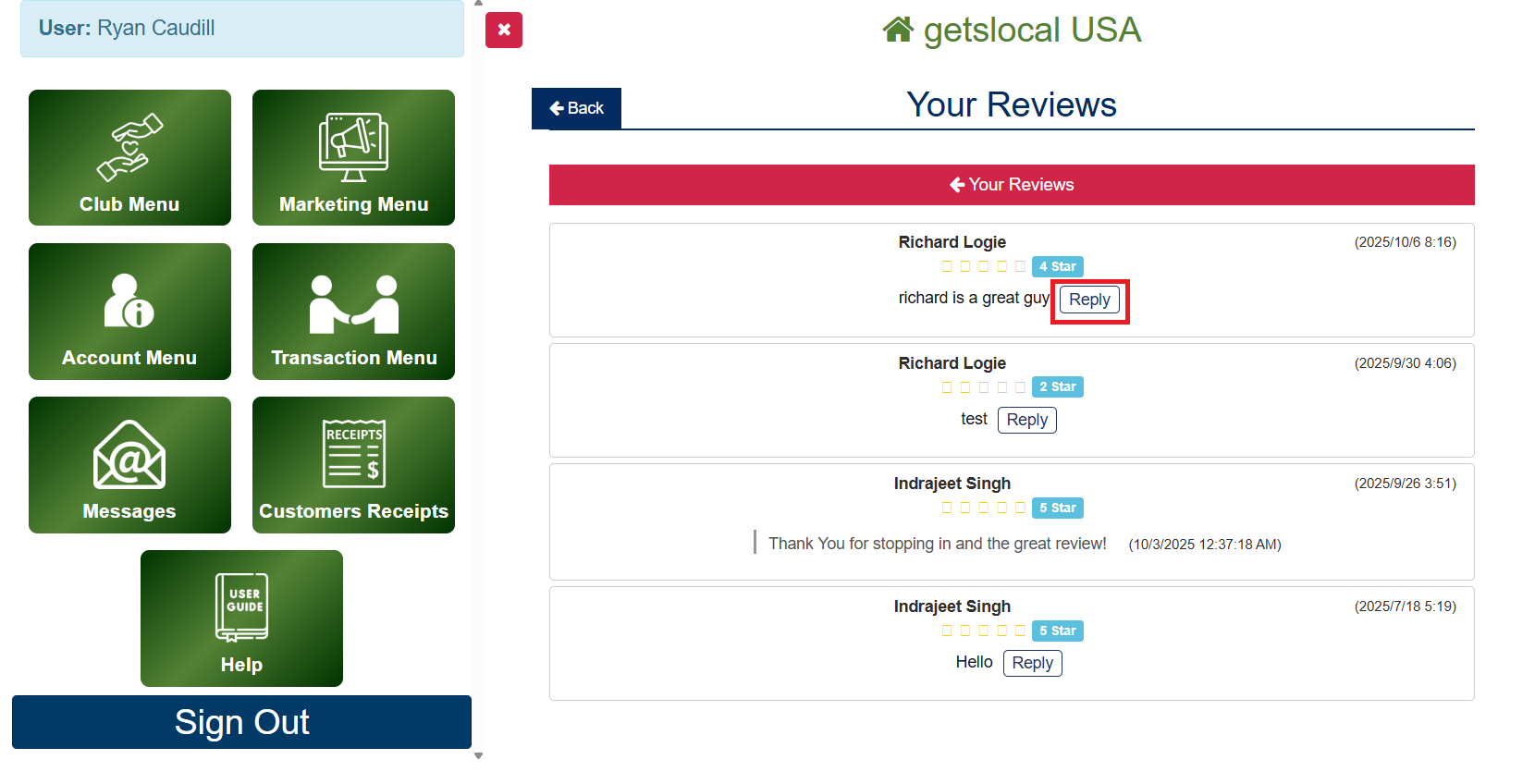
Tap Reply to reply directly to a Club Members Review

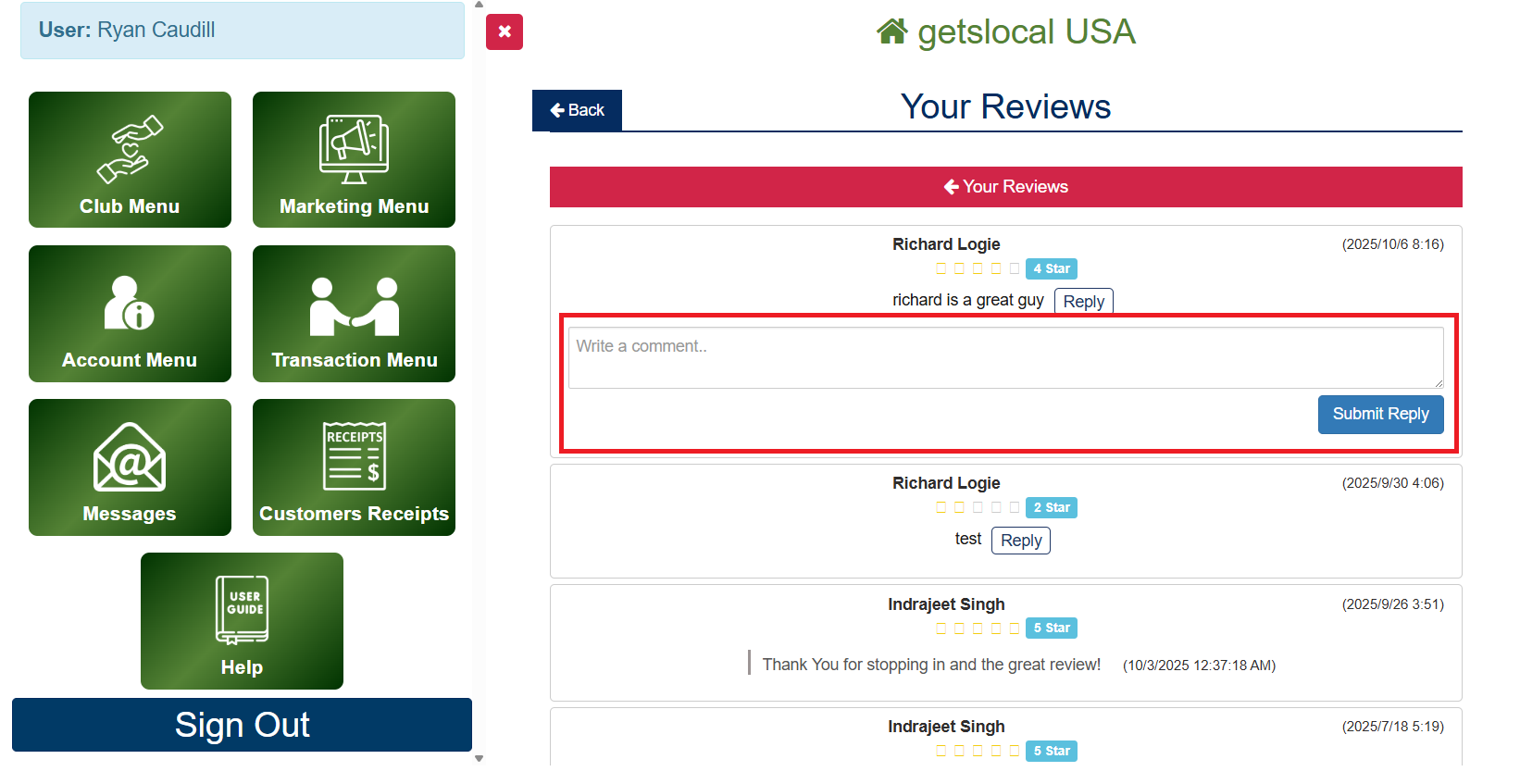
Enter a short message, then click Submit Reply

How to respond to a Review

Note on Responding to Reviews

When adding your employee accounts be sure and use their cell phone number when filling out the contact form. This will provide that cell phone number with a free Premium Club Member account. This additional perk is provided by Getslocal at no additional cost and allows you and your employees to ​experience the value of the Club Deals & Rewards Program.