 Back to Main Menu
Register
Staff
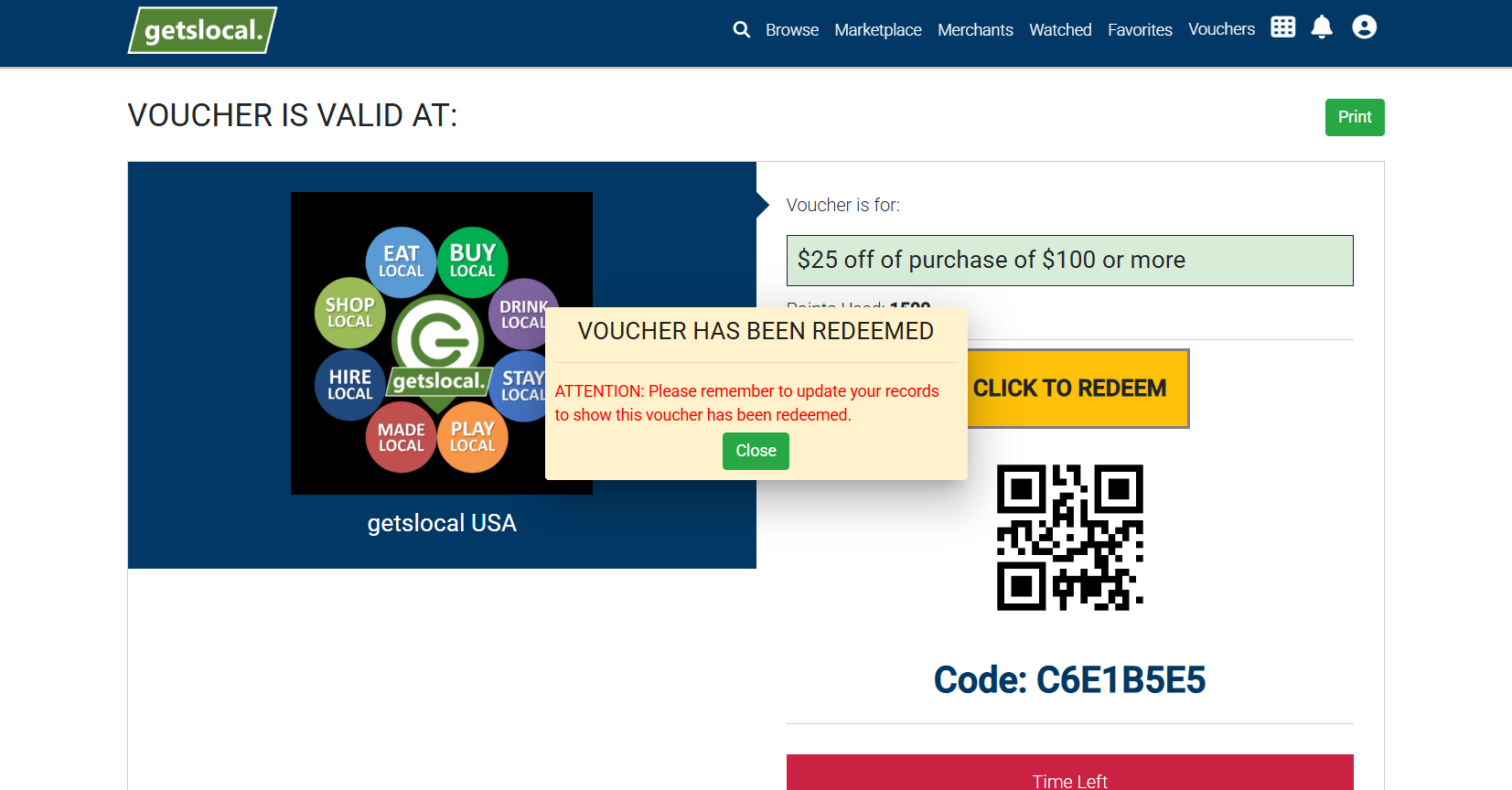
TL;DR: The customer must present the voucher to you on their mobile device and you redeem with your 4 digit PIN code.

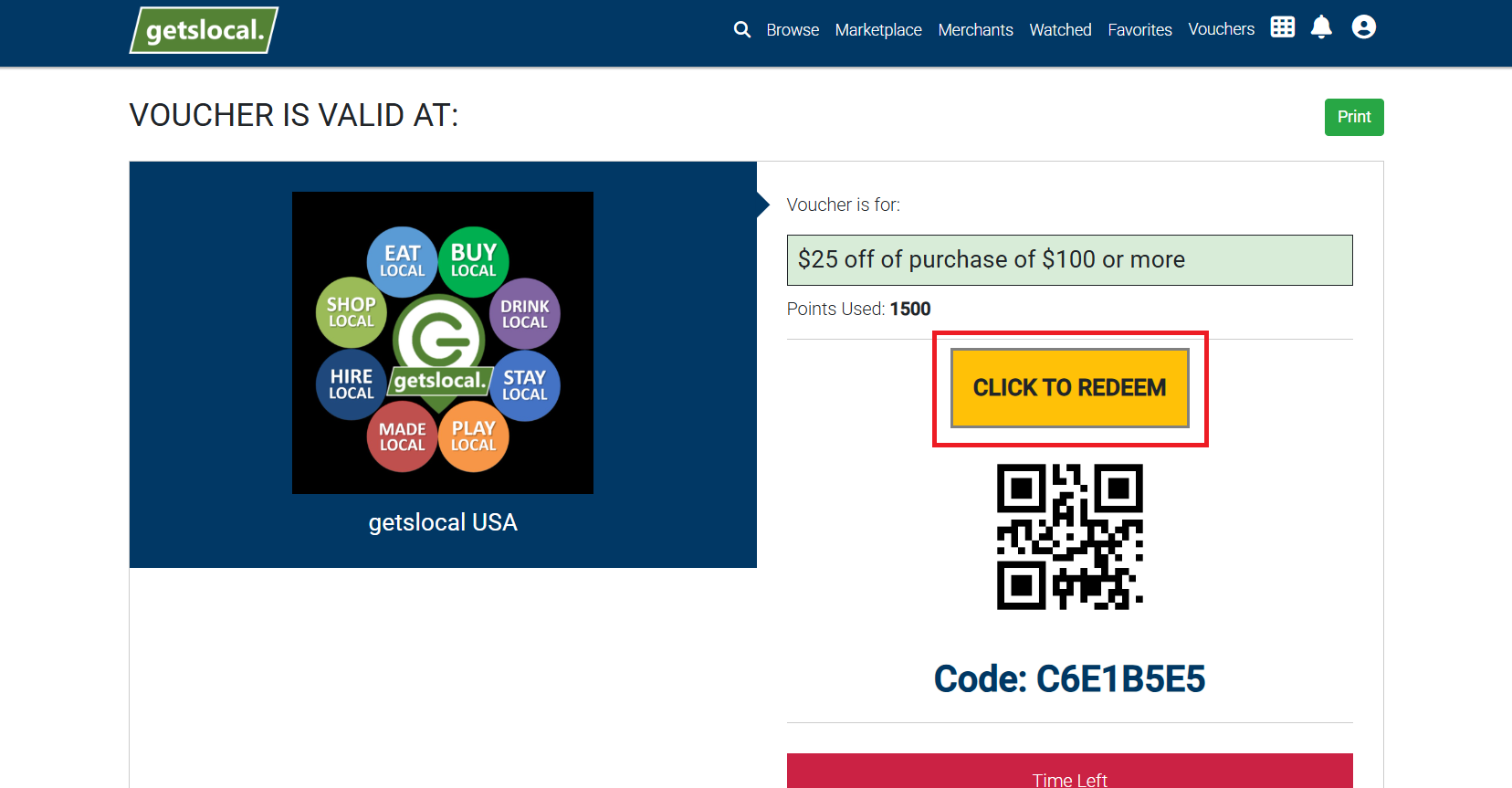
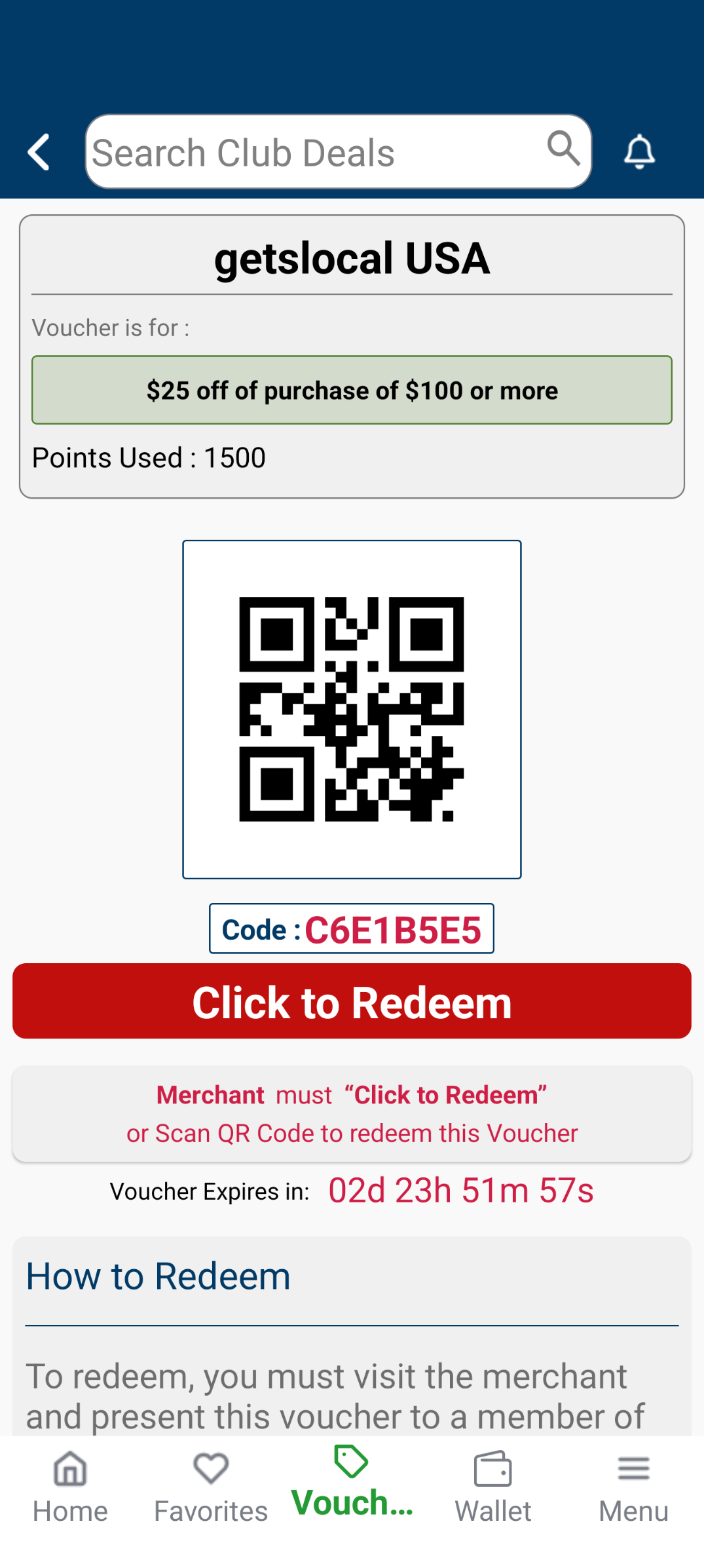
Ask the customer to open the app and show their "Active Voucher" for your offer.

Tap "Redeem" on the customer's phone screen.

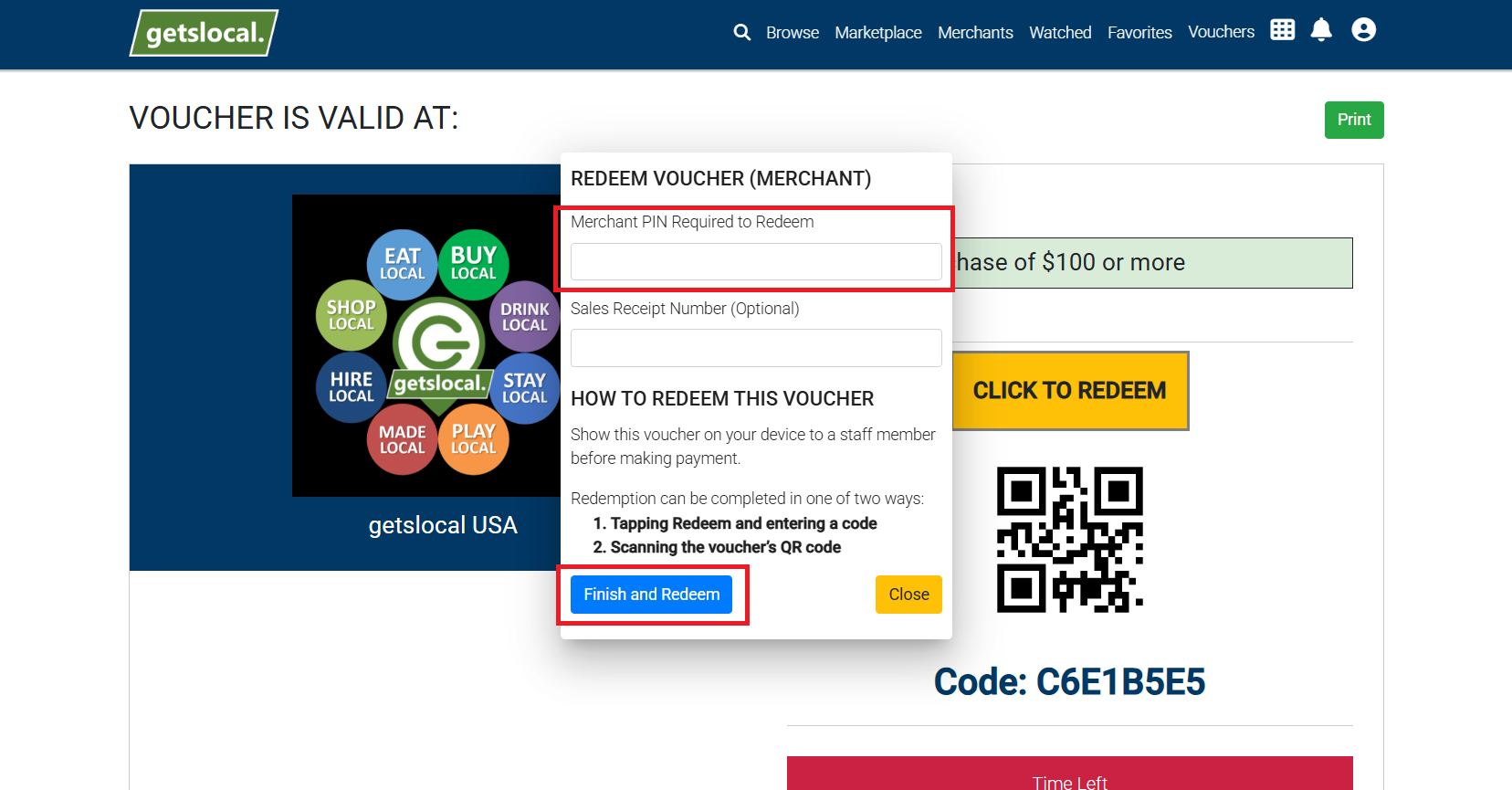
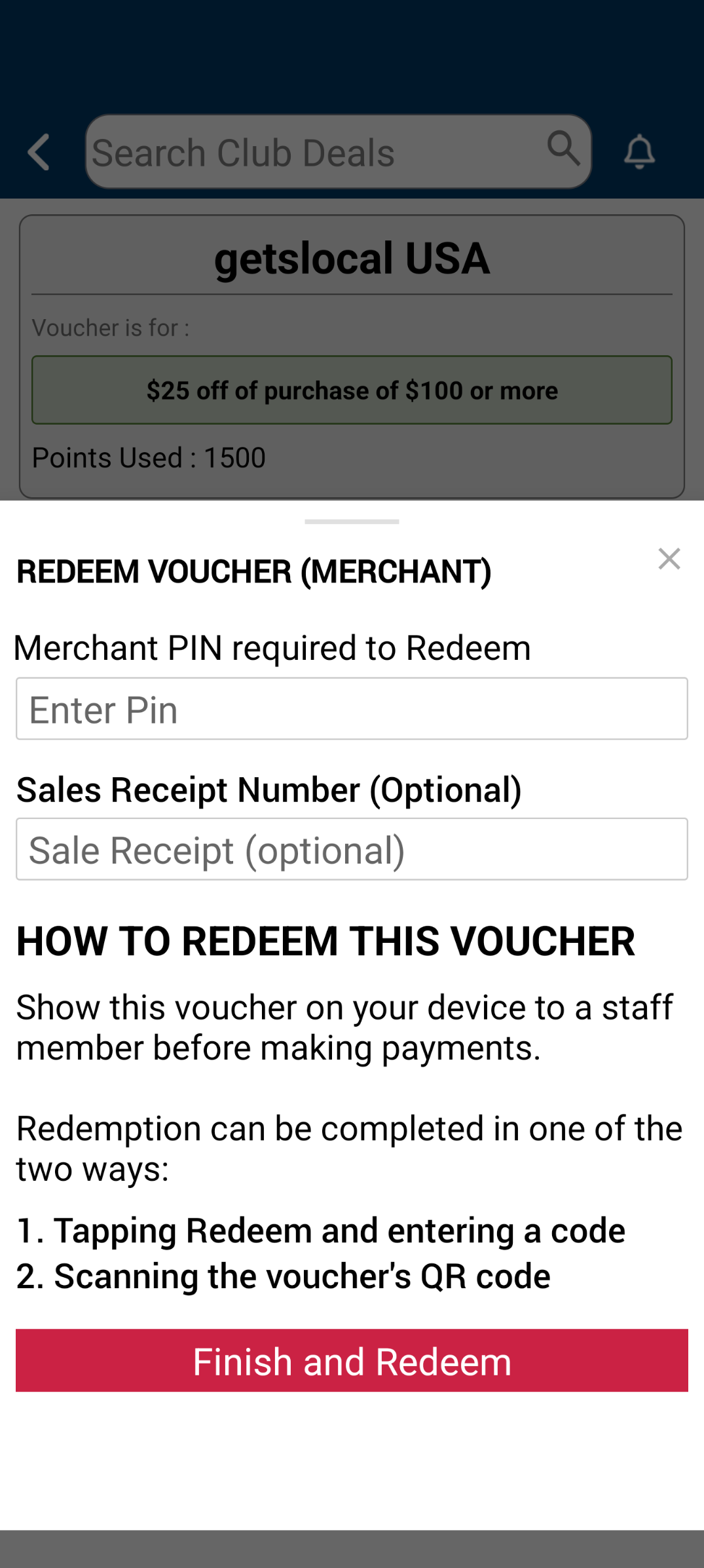
Enter your PIN: Type your business's 4-digit PIN code into their device.

Finalize in Register: Once their screen says "Success," manually apply the discount or free item in your cash register/POS.