Back to Main Menu

Update Business Profile

Setup

Admin

It's always best to keep your profile tidy and up to date.

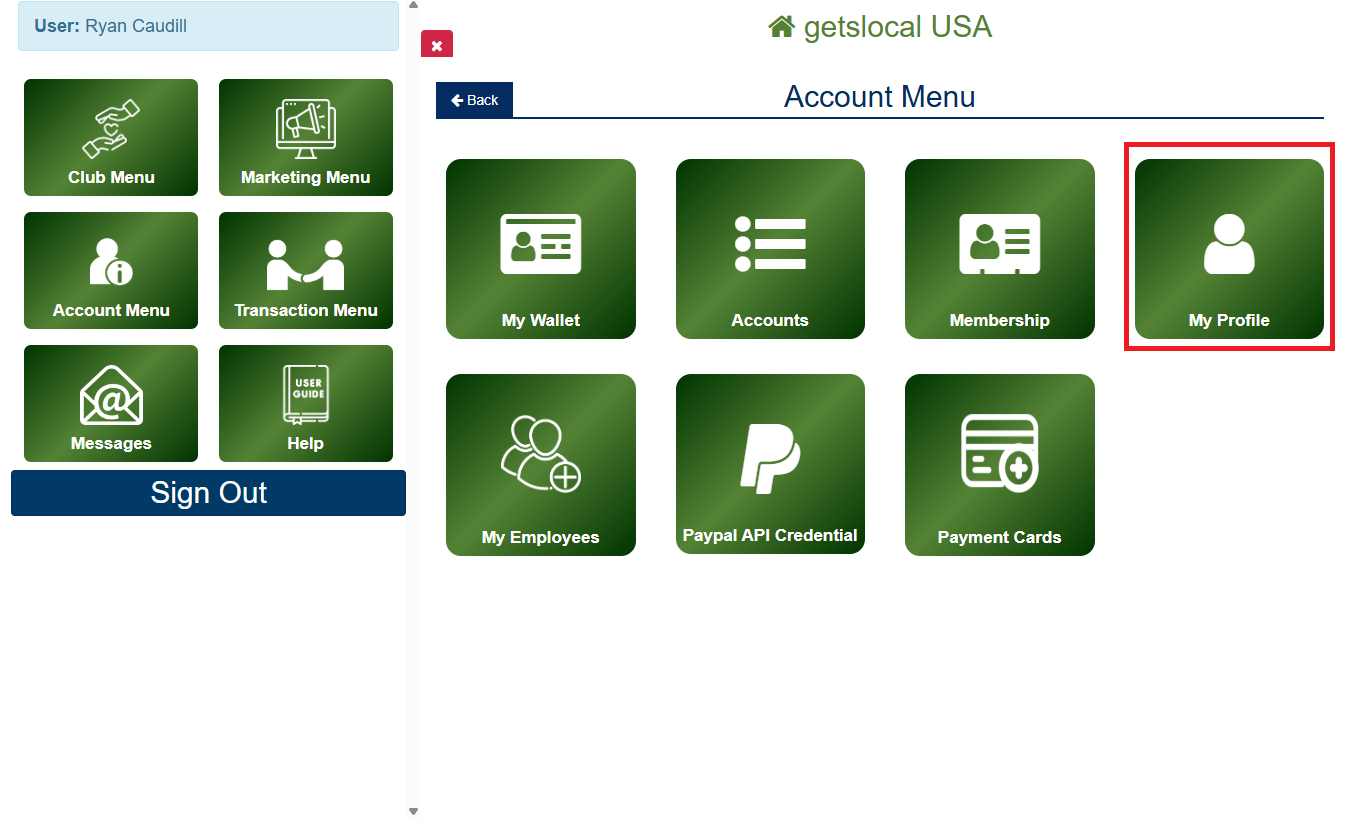
To Access Your Profile

Go to Account Menu > My Profile.

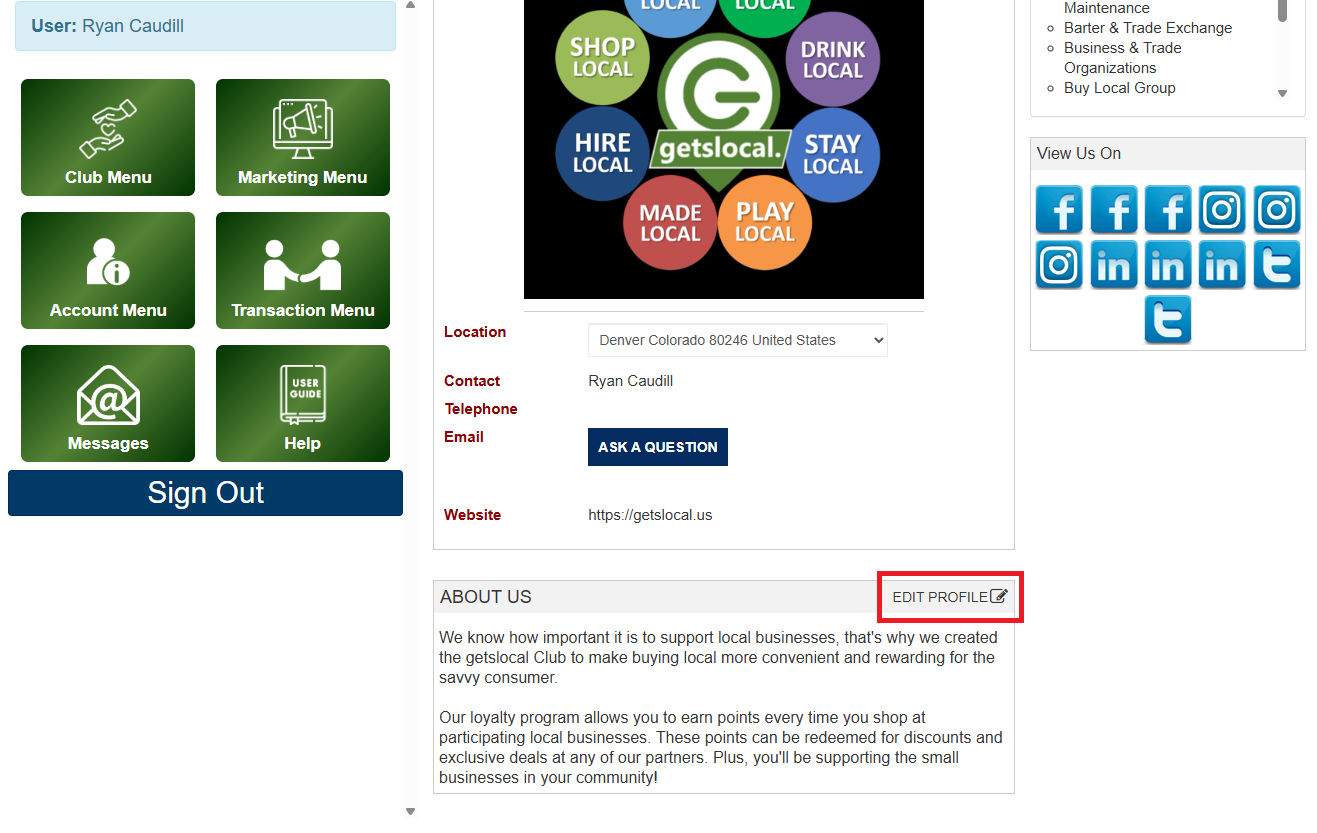
Change your business description by using the Edit Profile button.

Make your edits and then tap Save.

Note on Profile Updates

If you would like to change items such as your business name, contact information, location, categories, or social media links please email support with the your desired changes. Additionally you update your login information & pin code by going to My Employees on the Account Menu and selecting the edit icon next to your contact.

Access Your Profile